
Screenshots worth a second look
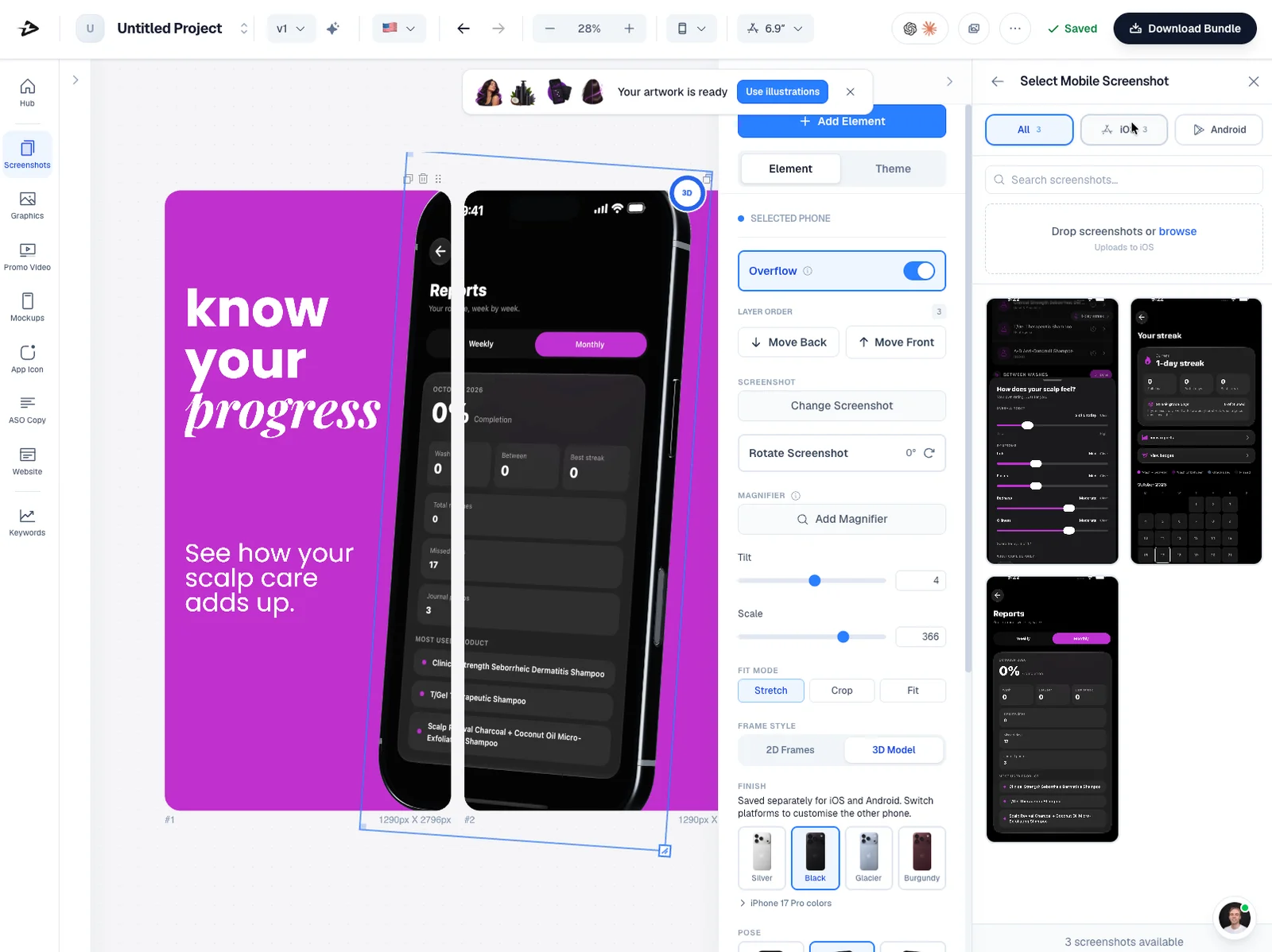
Put your app inside device frames, add your message, and make a full set of store screenshots on one canvas.
Give your iOS app the launch it deserves.
Create screenshots, videos, and a website in one place.
Start with the free plan. Make it yours in the browser.
You did the hard part. Appfly helps with the screenshots,
words, and visuals that get your app out into the world.
Put your app inside device frames, add your message, and make a full set of store screenshots on one canvas.
Turn screenshots and screen recordings into promo videos. Edit scenes, timing, and transitions in your browser.
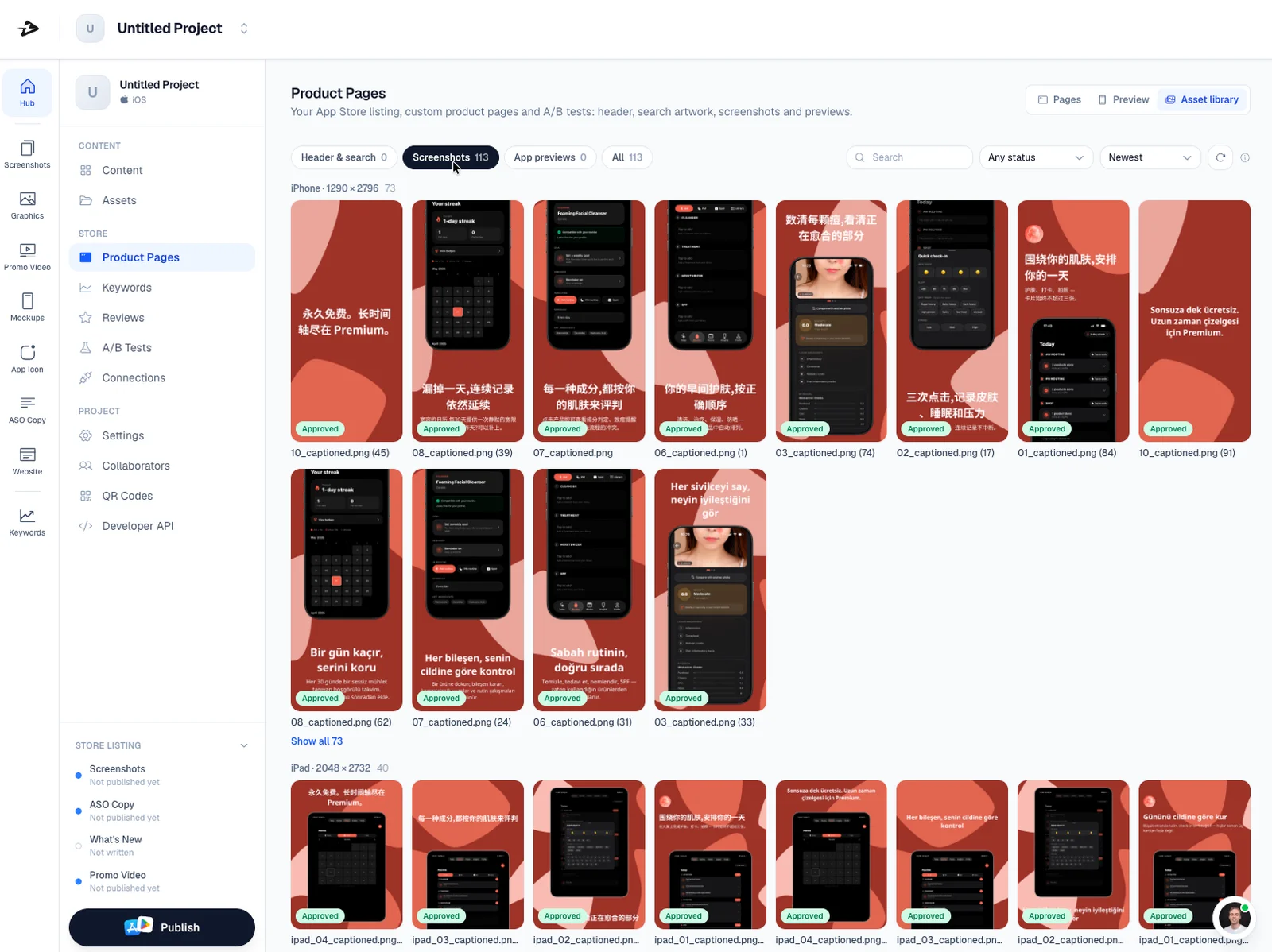
Draft your store description with AI and translate your listing and screenshots for more languages.
Make app icons, social graphics, and device mockups that feel like they belong together.
Create a website for your app, with privacy and support pages. Publish it when you are ready.
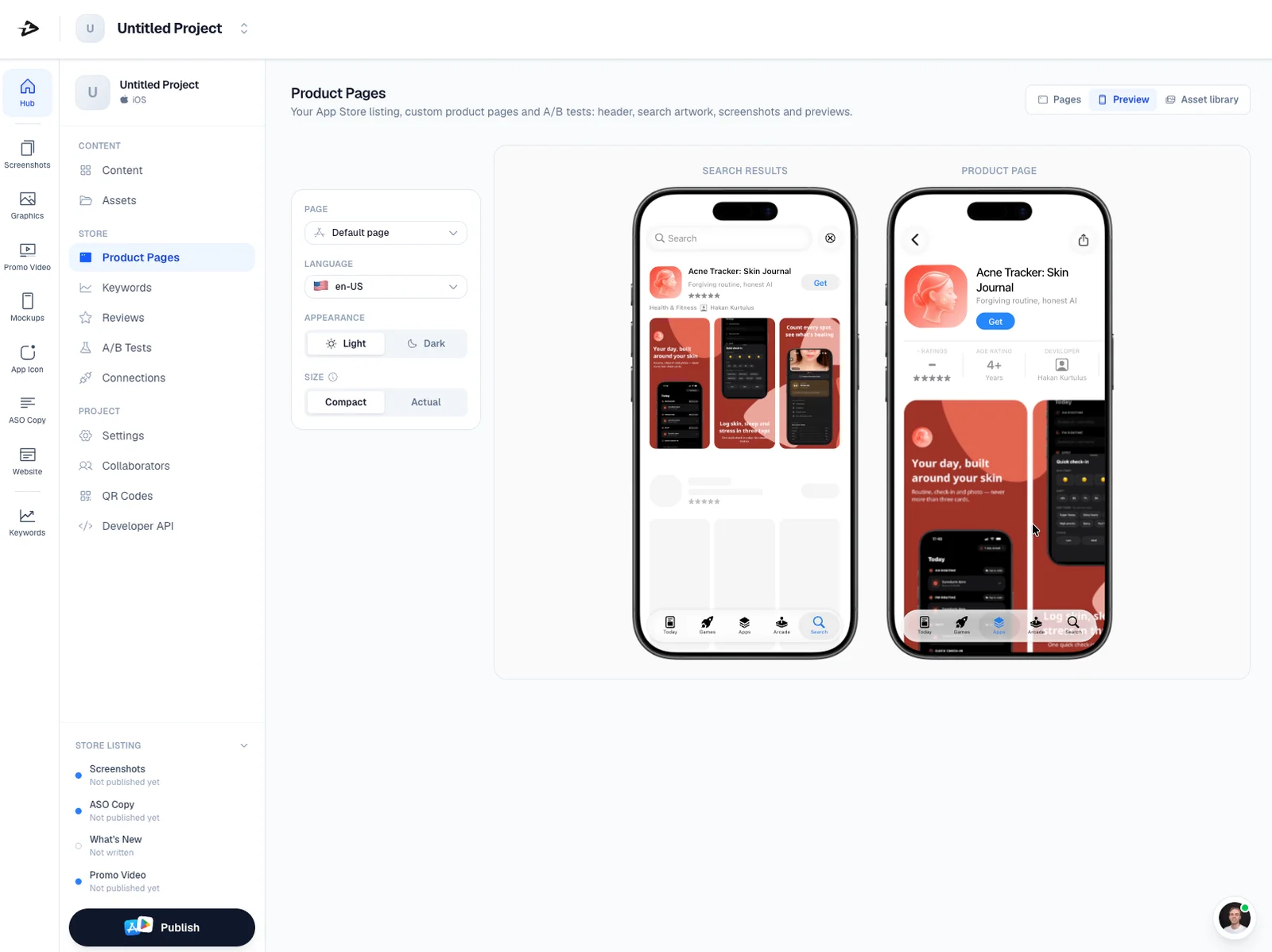
Export your assets or send screenshots and listing text to your connected app. You stay in control of submission.
No more jumping between design files,
video tools, and store listing docs.
Start with the app you've built. Upload screenshots and pick a look that fits.
Edit the layout, write your message, or ask AI for a first draft. Every detail is yours to change.
Download your assets or send your screenshots and copy to App Store Connect.
Here's what to know before
your first launch with Appfly.
You can create App Store screenshots, promo videos, device mockups, app icons, social graphics, and a website for your app. You can also draft and translate your store listing.
No. Start with your app screenshots and a template, then edit the text, colors, and layout in your browser. AI can help with a first draft, and you can change it before you export.
You can connect App Store Connect and send screenshots and listing text to an editable version of your app. Appfly does not submit your app for review. You handle that step in App Store Connect.
Yes. Appfly has a free plan with welcome AI credits. Paid plans include higher limits and full-resolution exports without a watermark. You can see the current plans in the dashboard.
Custom domains are coming soon. For now, you can publish your website using an Appfly address.
 YOU BUILT SOMETHING. LET'S GET IT OUT THERE.
One workspace for the work around your app.
Let's make it fly Start free. See what you can make.